
This manual includes detailed instructions for operating and using the device
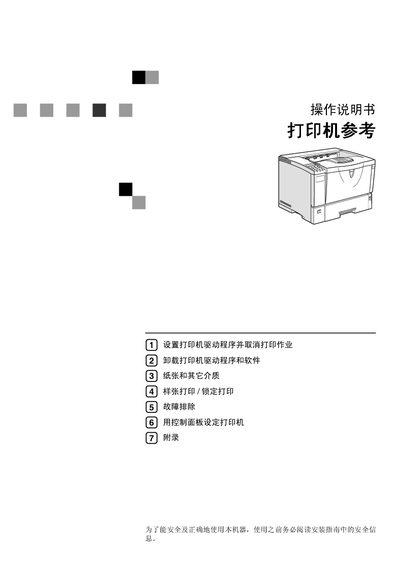
This manual provides step‑by‑step instructions for installing the printer, configuring drivers for various operating systems, and using the control panel to adjust print settings. It also includes safety information and guidelines for proper maintenance.
Additional sections cover troubleshooting common errors, replacing consumables and parts, and detailed parameter tables for PCL, PostScript, and PDF printing modes. This manual is written in Chinese.
| Supported Operating Systems | Windows 95/98/Me, Windows 2000/XP/Server 2003, Windows NT 4.0, Macintosh |
|---|
Install the printer driver from the provided CD‑ROM or the “Printer Drivers and Utilities” package for Windows 2000/XP/Server 2003.