
This document is a user manual and software guide that provides instructions for installing and connecting the printer, as well as installing various printer drivers.
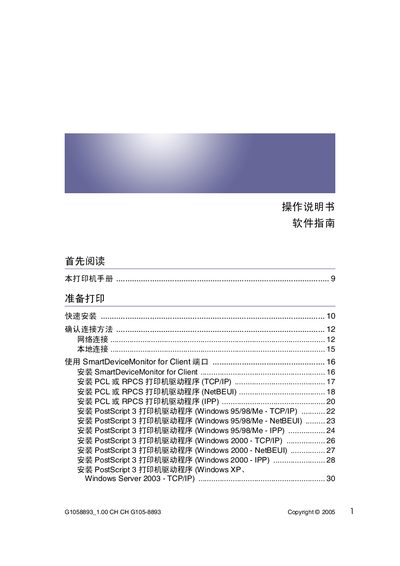
This manual covers the complete setup of the HP G1058893 printer, including quick installation, driver installation for PCL, RPCS, and PostScript 3, and network configuration via TCP/IP, NetBEUI, IPP, USB, and Bluetooth. It also explains how to use the SmartDeviceMonitor software for client and admin, and provides detailed guidance for Windows, Mac OS, and network environments.
Additional sections describe printer menus such as Maintenance, System, Host Interface, and PDF, as well as monitoring tools like Web Image Monitor and telnet. The appendix lists bundled software, licensing information, and troubleshooting tips for common issues such as paper jams and error logs. This manual is written in Chinese.
| Supported interfaces | USB, Ethernet (TCP/IP), Bluetooth |
|---|---|
| Network protocol support | TCP/IP, NetBEUI, IPP |
Refer to the section "安装使用 USB 的打印机驱动程序" and follow the step‑by‑step instructions on page 56.
Open the SmartDeviceMonitor client, go to the port settings menu, and modify the port as described in the "更改 SmartDeviceMonitor for Client 的端口设置" section.