
DPI 705E pressure indicator uses a silicon transducer to produce a pressure reading in various pressure measurement units. These user instructions include the operations for all DPI 705E Pressure Indicators, safety instructions and the requirements for intrinsically safe instruments.
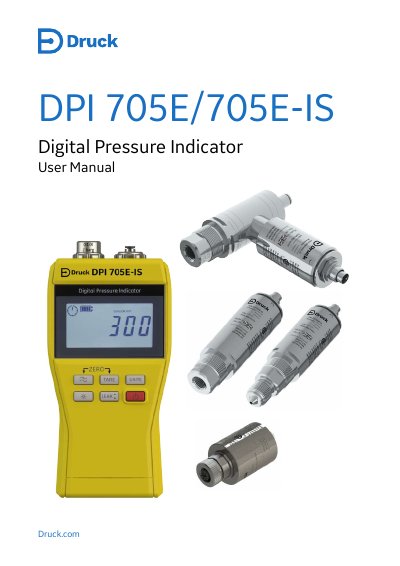
The Druck DPI 705E series consists of digital pressure indicators that utilize a silicon transducer to provide pressure readings in various units. The series includes the standard DPI 705E and the intrinsically safe DPI 705E-IS version, distinguished by blue and yellow case coloring respectively.
The instrument supports external sensors via a cable connection, including PM 700E remote pressure sensors for convenient connection and RTD-INTERFACE adaptors for temperature measurement using PT100 probes.
| Pressure Range (Standard) | 25 mbar - 200 bar (0.36 psi - 2900 psi) |
|---|---|
| Pressure Range (High) | 350 bar - 1400 bar (5000 psi - 20000 psi) |
| Battery Requirement | 4 x AA/LR6 batteries |
| Pressure Connector | Female G1/8 |
The non-Intrinsically Safe version is blue in color, while the Intrinsically safe version is yellow.
The external sensor is automatically detected and takes precedence over the internal sensors.