
The Dell Latitude 14 3480 3000 Series Notebook Quick Start Guide.
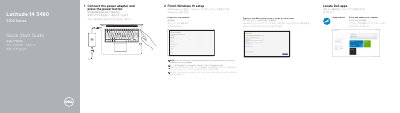
The Dell Latitude 14 3480 3000 Series Quick Start Guide provides essential instructions for setting up the notebook, including connecting power, configuring Windows 10, and connecting to a network.
It also includes a detailed map of the device's hardware features, identifying ports such as USB 3.0 with PowerShare, HDMI, VGA, and optional components like the fingerprint reader and SIM-card slot.
| Rated Voltage | 100 - 240 V (AC) |
|---|---|
| Rated Frequency | 50 - 60 Hz |
| Rated Input Current | 1.6 A / 1.7 A |
| Regulatory Model | P79G |
Enter the password for the wireless network access when prompted.
Yes, it features a USB 3.0 port with PowerShare.