
The Dell Precision Tower 5810 Quick Start Guide provides information on how to set up and use the Dell Precision Tower 5810 desktop computer.
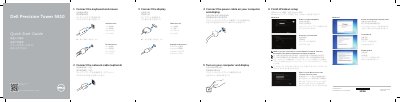
This guide helps you set up your Dell Precision Tower 5810. It covers connecting peripherals like keyboard, mouse, and display, setting up Windows, and connecting to a network. It also includes a diagram of the front panel ports and features.
The guide is multilingual, supporting Chinese, Japanese, Korean, and English. It includes instructions for enabling security and updates, signing in to Microsoft account, and connecting to secured wireless networks. This manual is written in Chinese.
The setup instructions cover both Windows 8 and Windows 7, including creating a user name and computer name, setting a password, and enabling updates.