
This document describes the setup and use of Dell computers.
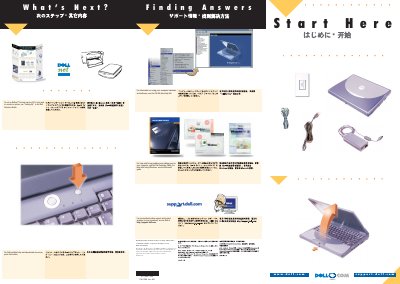
This two-page "Start Here" document from Dell Computer Corporation, dated August 2000, guides a new Inspiron notebook owner through first-time setup. It covers connecting the AC adapter, pressing the power button, and completing the Microsoft Windows operating system setup, with separate connection options for an internal modem, a PC Card modem, or an internal network adapter.
The second page, "Finding Answers" / "What's Next?", points to further resources: the Dell Solutions Guide for setting up Dellnet Internet service (U.S. only), connecting a printer, fixing problems and adding parts; support.dell.com for online support; the Microsoft guide for Windows help; and the Tell Me How help file for using the computer's hardware and software.
The touch pad does not work when you first start the computer; press a key when prompted.
If your computer has a network PC Card, do not install it until you complete the operating system setup.
If the modem connector has a plastic cover, the computer does not have an internal modem; check for a PC Card modem instead.
See the Dell Solutions Guide for help with fixing problems and adding parts, and access support.dell.com for personalized online support.