
Manual for Dell laptop.
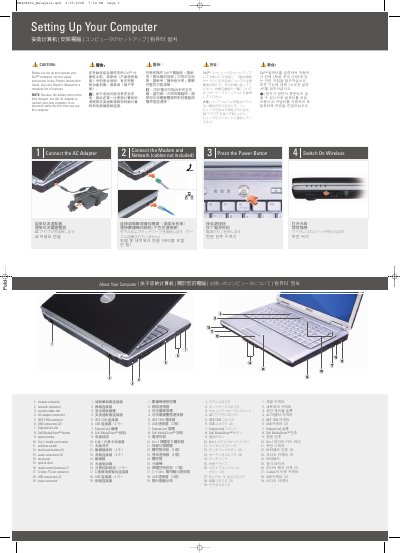
The Dell Inspiron 1420 Setting Up Your Computer guide provides essential instructions for the initial configuration of the laptop. It details the necessary steps to connect the AC adapter, modem, and network cables, and how to power on the device and activate the wireless switch.
The document includes a comprehensive map of the computer's physical components, identifying various ports and buttons such as USB connectors, the IEEE 1394 connector, and the 8-in-1 media card reader. It also provides basic guidance on setting up a wireless network connection.
| Media Card Reader | 8-in-1 |
|---|---|
| USB Connectors | 4 total (2 sets of 2) |
Use the AC adapter to connect the computer to an electrical outlet because the battery may not be fully charged.
Refer to the Owner's Manual, which can be found as a printed copy or via the Documentation and Support icon on the desktop or at support.dell.com.