
Dell Inspiron Laptop User Guide.
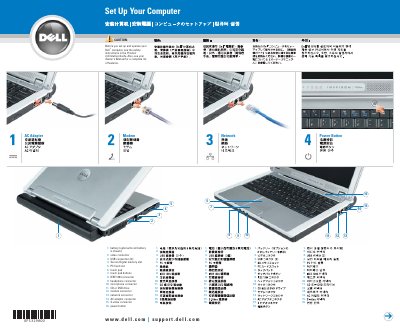
The Dell Inspiron laptop user guide provides a quick overview of the device's physical layout and initial setup procedures. It identifies key hardware components including various connectors, the touch pad, and the power button.
The document includes instructions for battery removal and charging, as well as steps to connect the laptop to a wireless network using the Microsoft Windows operating system.
To remove the battery, slide the battery latch release and pull the battery out of the bay.
The battery should be charged for 3 hours before using the computer without the AC adapter.