
Dell PowerEdge M630 Blade Server Quick Resource Locator

Dell PowerEdge M630 Blade Server Quick Resource Locator
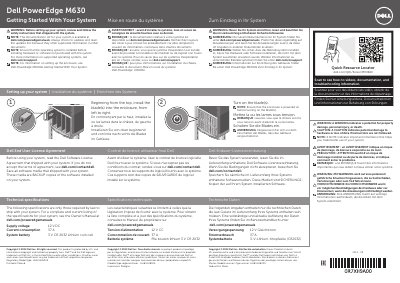

Dell PowerEdge M630 Blade Server Quick Resource Locator - cover page
Brand
DELL
Category
SERVER
Document type
Quick Start Guide
Language
English
Pages
2
File format
PDF
File size
312 KB
Published
26 November, 2023
Updated
26 November, 2023
MD5 checksum
CC8ACF4C3832B919C0B5BE2D5E308F6A

About this manual

The Dell PowerEdge M630 Quick Resource Locator provides essential guidance for setting up the blade server. It outlines the basic sequence for installing blades into an enclosure and turning them on, while directing users to online resources for full documentation and troubleshooting.

What's inside

  • Getting Started With Your System
  • Setting up your system
  • Dell End User License Agreement
  • Technical specifications

Specifications

Supply voltage12 V DC
Current consumption37 A
System battery3 V CR 2032 Lithium coin cell

Frequently asked questions

In what order should blades be installed into the enclosure?

Blades should be installed from the top, moving from left to right.

What is required before turning on the blades?

The enclosure must be powered on before the blades are turned on.

Download PDF (312 KB)

More DELL Manuals


View all DELL manuals →