
The Dell PowerVault MD3000i RAID storage array supports both duplex (dual-controller) and simplex (single-controller) configurations. A duplex configuration allows for full redundancy between RAID controller modules, non-I/O components, virtual disk paths, and physical disk paths. A simplex configuration offers no redundancy between RAID controller modules or physical disk paths.
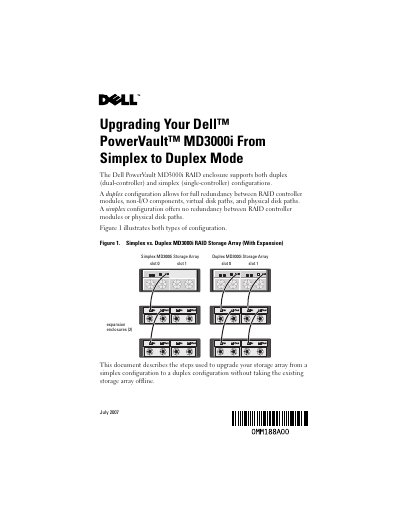
This Dell guide explains how to upgrade a PowerVault MD3000i RAID storage array from a simplex single-controller configuration to a duplex dual-controller configuration. It states that the upgrade can be done without taking the existing storage array offline and describes duplex redundancy between RAID controller modules, non-I/O components, virtual disk paths, and physical disk paths.
The procedure covers starting MD Storage Manager, downloading RAID controller firmware and NVSRAM, using the SMcli command to set storageArray redundancyMode=duplex, adding the second RAID controller module in slot 1, connecting expansion enclosures, configuring Controller 1 Port 1 Ethernet management settings, adding the array with out-of-band management, and adjusting virtual disk cache options.
| Supported configurations | Duplex (dual-controller) and simplex (single-controller) |
|---|---|
| Second RAID controller slot | Slot 1 |
| Expansion enclosures shown | 2 |
Yes. The document describes upgrading the array from simplex to duplex without taking the existing storage array offline.
The command is SMcli IP_address -c “set storageArray redundancyMode=duplex;”.
The second RAID controller module is inserted in the empty slot (slot 1) of the RAID enclosure.
Disregard the Needs Attention status and the amber enclosure status LED, and proceed with the next step.