
The Dell™ OptiPlex™ GX270 System User's Guide provides information about your computer, including technical specifications, cleaning your computer, advanced features, LegacySelect technology controls, manageability, security protection, password protection, system setup program, booting to a USB device, jumper settings, power button, hyper-threading, power management, ultra small desktop overview, small desktop overview, mini tower overview, computer and software problems, advanced troubleshooting, getting help, and other information.
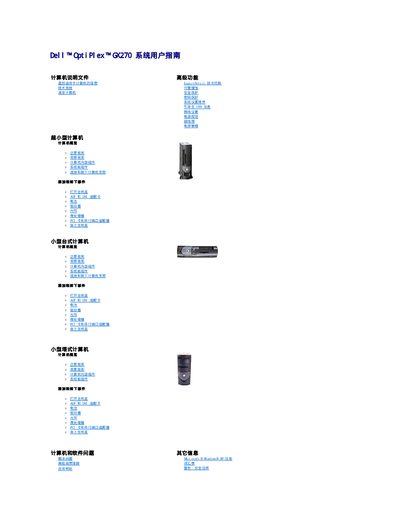
This guide is for the Dell OptiPlex GX270 system. It includes computer overviews for ultra-small, small desktop, and small tower configurations, plus instructions for adding and removing parts and troubleshooting computer and software problems.
It also covers advanced troubleshooting, getting help, other information, Microsoft Windows XP features, a glossary, and safety warnings, including Dell diagnostics and driver reinstallation. This manual is written in Chinese.
Use it if the computer has a problem, after performing the checks in Troubleshooting and before contacting Dell for technical help.
It performs a quick test of devices, usually takes 10 to 20 minutes, and does not require user participation.
Close and restart the computer, press F12 when the Dell logo appears, then select Boot to Utility Partition.