
The Dell Venue phone user guide introduces the basic functions and usage of the phone.
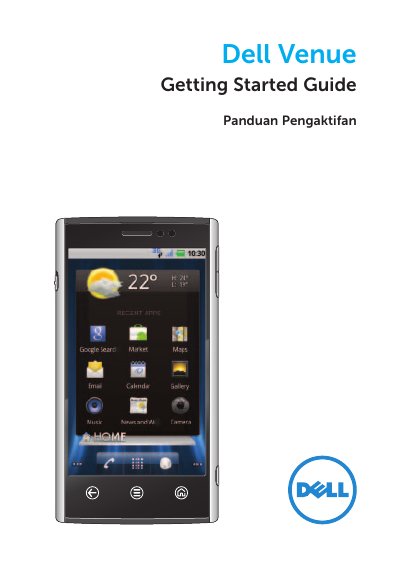
This Getting Started Guide introduces the Dell Venue phone and walks through the first steps of using it. It describes the phone's buttons and connectors, then explains how to remove the back cover, insert the SIM card, optional microSD card and battery, and charge the phone.
The guide also covers the lock screen and setting up a screen lock, the seven customizable Home screens with Dell Stage widgets, the status bar and notifications panel, taking photos and recording video with the camera, downloading apps from Android Market, and syncing content with a computer using Dell Mobile Sync. Later sections of the document are written in Indonesian. Further details are available in the User's Manual on the microSD card or at support.dell.com/manuals.
Press the power/lock button to wake the phone, then touch and drag to the right on the lock screen.
Touch the Home screen, then go to Settings → Location & Security → Set up screen lock and follow the instructions on the screen.
Remove the back cover, insert the SIM card and optional microSD card, then insert the battery and close the back cover. The cards may be pre-installed.
Press the camera button on the side of the phone, touch and drag to the camera position, press the camera button halfway to focus, then press it fully to capture the image.