
Dell PowerConnect W-IAP100 Series Instant Access Point Installation Guide The Dell PowerConnect W-IAP104 and W-IAP105 wireless access points support the IEEE 802.11n standard for high-performance WLANs.
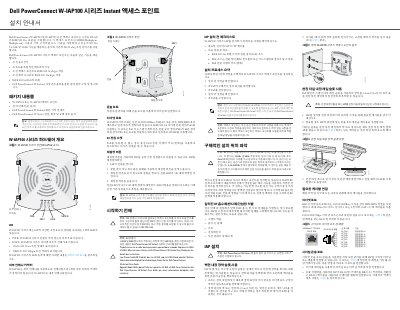
This Korean-language installation guide covers the Dell PowerConnect W-IAP100 Series Instant access points, specifically the W-IAP104 and W-IAP105. These wireless access points support the IEEE 802.11n standard for high-performance WLANs, using MIMO technology to provide 802.11n operation in the 2.4 GHz and 5 GHz bands while also supporting existing 802.11a/b/g wireless services.
The guide lists the package contents, describes the hardware (LEDs, external antenna connectors, console port, Ethernet port, DC power socket and reset button), and explains how to identify an installation location, mount the access point on a wall or ceiling tile rail, and make the required cable connections. It also includes regulatory notices for the FCC and EU and instructions for resetting the IAP to factory defaults. This manual is written in Korean.
| Wireless standards | IEEE 802.11a/b/g/n (2.4 GHz and 5 GHz) |
|---|---|
| Ethernet port | Single 10/100/1000Base-T (RJ-45), auto-detect, MDI/MDX |
| PoE support | IEEE 802.3af, accepts 48VDC from a PSE |
| Max Ethernet cable length | 100 m (325 ft), CAT 5 UTP |
| External antennas | W-IAP104: 4 external antenna connectors; W-IAP105: internal antennas |
| DC power input | 12V 1.25A (optional Dell power adapter kit) |
| LED indicators | 4 LEDs: PWR, ENET, 11A/N, 11B/G/N |
| RF exposure distance | Minimum 35 cm (13.78 in) between radiator and body |
| Wall mounting screw spacing | 4.7 cm (1 7/8 in) |
| Ceiling tile rail width | 2.4 cm (15/16 in) standard ceiling tile rail |
It can be powered with an optional Dell power adapter kit (sold separately) via the DC power socket.
It can be mounted on a wall or shelf using the keyhole-shaped slots on the back, or attached directly to a standard 2.4 cm (15/16 in) ceiling tile rail using the snap-in tile rail slots.