
OptiPlex 7050 Small Form Factor Quick Start Guide
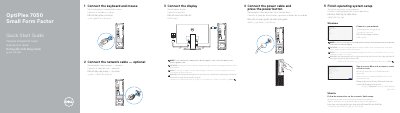
This quick start guide shows how to connect the keyboard, mouse, network cable, display, and power cable, then finish operating system setup. It also lists the computer's ports and features, along with support, regulatory, and safety information.
The guide is provided in English, Indonesian, Spanish, Vietnamese, and Arabic and identifies the computer model as OptiPlex 7050 SFF.
| Regulatory model | D11S |
|---|---|
| Regulatory type | D11S002 |
| Computer model | OptiPlex 7050 SFF |
Connect the display to the discrete graphics card.
Enter the password for the wireless network access when prompted.
OptiPlex 7050 SFF.