
The Dell P28F monitor is a 28-inch display with a resolution of 3840x2160 and a refresh rate of 60Hz. It features a narrow bezel design and supports AMD FreeSync technology.
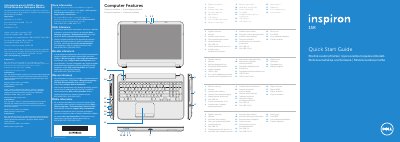
This two-page Dell Inspiron 5521 Quick Start Guide identifies the computer features and function keys and covers basic setup steps such as connecting the power adapter, pressing the power button, completing Windows setup, and checking wireless status.
The guide also includes a place to record the Windows password and service tag, Dell support contact details, and Mexican NOM information listing the P28F regulatory model, P28F001 type, and power ratings.
| Regulatory model | P28F |
|---|---|
| Type | P28F001 |
| Computer model | Inspiron 5521 |
| Input voltage | 100–240 V AC |
| Maximum input current | 1.50 A/1.60 A/1.70 A/2.50 A |
| Input frequency | 50 Hz–60 Hz |
| Output current | 3.34 A/4.62 A |
| Nominal output voltage | 19.50 V DC |
It covers the Dell Inspiron 5521.
The regulatory model is P28F and the type is P28F001.
The listed input voltage is 100–240 V AC.
The guide includes a space labeled to record your service tag.