
The Dell™ Inspiron™ 1090 Service Manual provides instructions on how to disassemble and replace various components of the laptop.
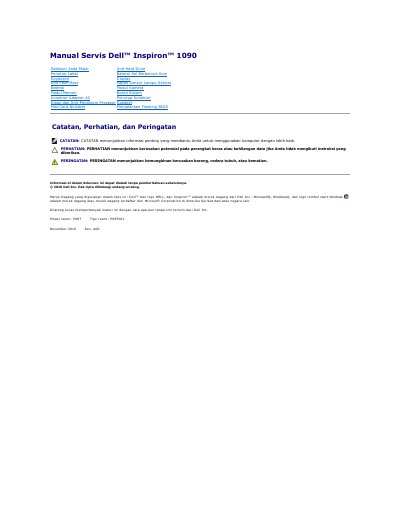
The Dell Inspiron 1090 service manual provides procedures for removing and reinstalling internal components. It begins with safety information and the steps to follow before working inside the computer, including recommended tools and shutdown instructions.
The document covers parts such as the keyboard, palm-rest, battery, memory module, wireless mini-card, hard drive, display, and system board. It also describes running a BIOS flash and includes notes about the Service Tag location.
| Official model | P08T |
|---|---|
| Official type | P08T001 |
A Phillips screwdriver and a plastic scribe are listed among the recommended tools.
Five screws secure the battery to the base of the computer.
It is on a label on the bottom of the computer.
Turn on the computer and visit support.dell.com/support/downloads.