
Key facts
Start here
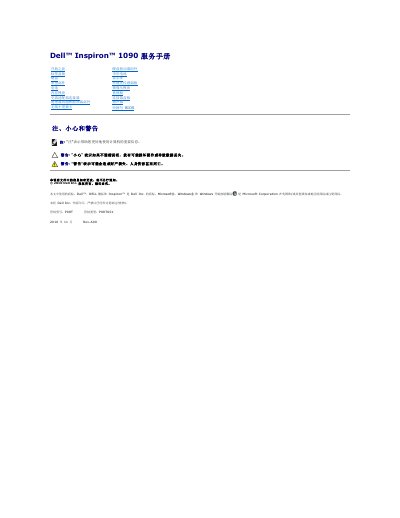
Dell Inspiron 1090 Service Manual
This service manual for the Dell Inspiron 1090 laptop (regulatory model P08T, type P08T001) provides step-by-step removal and reinstallation procedures for internal components, including the ambient light sensor board, battery, keyboard, palm rest, memory module, display, camera module, system board, speakers and coin-cell battery. It also covers flashing the BIOS and lists the tools recommended for the procedures.
Safety warnings are repeated throughout: the computer should be shut down and unplugged, the battery removed before working inside, and only certified service technicians should perform repairs. Static discharge precautions and proper cable handling are emphasized, and the manual directs readers to www.dell.com/regulatory_compliance for regulatory compliance information. This manual is written in Chinese.
All Dell Inspiron 1090 documents by type
Disassembly, diagnostics and part numbers, for repair.
Questions answered in these manuals
How do I update the BIOS on the Inspiron 1090?
Go to support.dell.com/support/downloads, find the BIOS update file for your computer, download it to the desktop and double-click the file to run it.
What tools are recommended for servicing the Inspiron 1090?
A small flat-blade screwdriver, a Phillips screwdriver and a plastic scribe.
What tools are recommended for this service manual?
The manual recommends a small flat-blade screwdriver, a Phillips screwdriver, a plastic scribe, and a BIOS executable update program.
How do I ground myself before working inside the computer?
You should ground yourself by using a wrist grounding strap or by periodically touching an unpainted metal surface, such as a connector on your computer.
Who should perform repairs on this Dell computer?
Only a qualified and specialized technician should perform repairs; damage from unauthorized Dell interventions is not covered by warranty.
What steps must be taken before working inside the computer?
Turn off the computer, disconnect it and attached devices from electrical outlets, and ground yourself using an antistatic wrist strap or by touching an unpainted metal surface.