
The Dell™ XPS™ 420 User's Manual provides information on how to set up, use, and maintain your Dell™ XPS™ 420 computer.
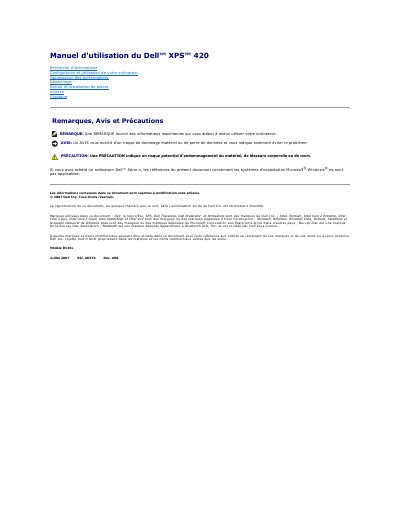
This manual serves as a comprehensive guide for Dell XPS 420 users, covering system configuration, usage instructions, performance optimization, troubleshooting, and component installation/removal. It includes specific details on hardware specifications, such as supported processors (Intel Core 2 Duo, Extreme, Quad), memory types (DDR2), and expansion slots (PCI Express, PCI).
The document details the system setup process, including how to access the System Configuration Program via the F2 key during startup. It also provides safety precautions, physical dimensions, environmental operating conditions, and information on power consumption and battery backup. This manual is written in French.
| Processor Type | Intel Core 2 Duo, Intel Core 2 Extreme, Intel Core 2 Quad |
|---|---|
| Memory Type | DDR2 800 MHz and 667 |
| Maximum Memory | 8 Go |
| Network Card | Gigabit Ethernet 10/100/1 000 |
| Video Type | PCI Express Gen2 x16 |
| Power Consumption | 375 W or 425 W |
| Operating Temperature | 10 ° to 35 °C |
Press the
The power consumption is rated at either 375 W or 425 W.