
Dell EMC PowerEdge M640 Getting Started Guide introduces the features and characteristics of the product.
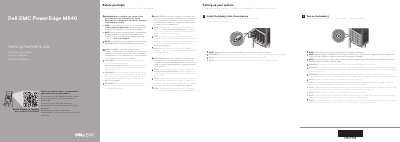
The Dell PowerEdge M640 Getting Started Guide provides essential instructions for setting up the system, including the installation of blades into the enclosure and powering them on.
It emphasizes the importance of following safety instructions, installing the operating system before additional hardware or software, and ensuring the Chassis Management Controller (CMC) firmware is updated.
| Supply voltage | 12 V DC |
|---|---|
| Current consumption | 37 A |
| System battery | 3 V CR2032 lithium coin cell |
| Ambient temperature for continuous operation | 10 °C - 35 °C |
Blades should be installed starting from the top, moving from left to right.
The Chassis Management Controller (CMC) firmware should be updated to the latest version.