
Dell B5460dn Laser Printer User's Guide

The Dell B5460dn Laser Printer User's Guide provides information on how to use and maintain the printer.
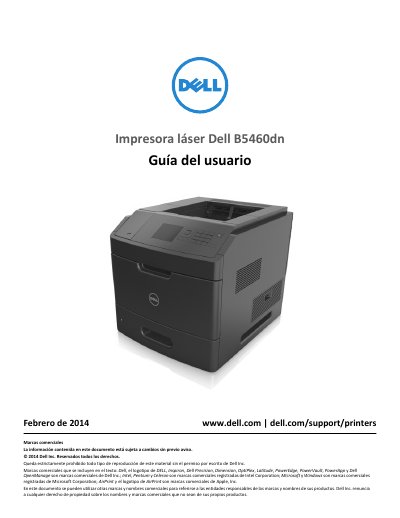

Dell B5460dn Laser Printer User's Guide - cover page
Brand
DELL
Category
Printer
Document type
User Manual
Language
Spanish
Pages
230
File format
PDF
File size
12 MB
Published
25 November, 2023
Updated
25 November, 2023
Model
B5460dn
MD5 checksum
3BD66A2E5F033E56095FEE806925BBBE

About this manual

This user guide for the Dell B5460dn laser printer presents safety information, printer information, control panel use, optional internal and hardware installation, cable connections, and network setup.

It also describes loading paper and specialty media, printing documents and mobile jobs, printer menus, securing and maintaining the printer, clearing jams, troubleshooting, and contacting technical support. This manual is written in Spanish.

What's inside

  • Safety Information
  • About the Printer
  • Additional Printer Setup
  • Loading Paper and Specialty Media
  • Printing
  • Understanding the Printer Menus
  • Securing the Printer
  • Maintaining the Printer
  • Clearing Jams
  • Troubleshooting

Specifications

Printer weightMore than 18 kg (40 lb)
550-sheet tray550 sheets
2100-sheet tray2100 sheets

Frequently asked questions

How many people are needed to lift the printer?

Two or more trained people are required to lift it safely.

Where can I find the User's Guide and Quick Reference Guide?

They are available on the Software and Documentation CD.

Where should the printer's power cable be connected?

It should be connected to a grounded outlet.

Download PDF (12 MB)

More DELL Manuals


View all DELL manuals →