
The Dell 3465dn-dnf Laser Multifunction Printer User Guide introduces the features and functions of the product.
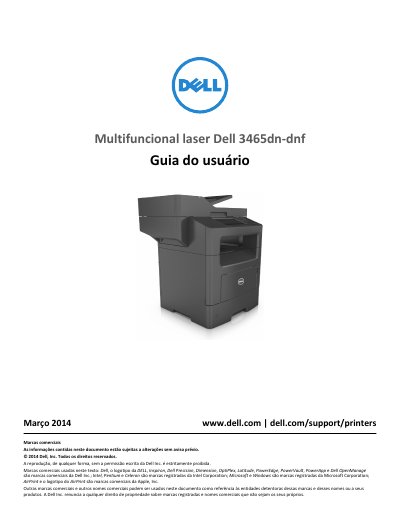
This Portuguese-language user guide for the Dell 3465dn-dnf multifunction laser printer covers safety information, printer setup, the Embedded Web Server, scanner basics, and the control panel. It also describes loading paper and specialty media, printing, copying, e-mailing, faxing, scanning, printer menus, maintenance, security, clearing jams, and troubleshooting.
The document includes a table of contents with sections on installing internal options and optional hardware, connecting cables, networking, supported paper sizes and types, printer management, and contacting technical support. Safety notices cover laser operation, hot surfaces, lifting the printer, lithium battery handling, and telephone cable requirements. This manual is written in Portuguese.
| Printer weight | More than 18 kg (40 lb) |
|---|
Turn off the printer, disconnect the power cord and all cables, remove any optional tray, and use the side handles to lift it.
Two or more people are required to lift the printer safely.
No. The lithium battery in this product should not be replaced.
Use only a 26 AWG or larger RJ-11 telecommunications cable when connecting to a public switched telephone network.