
Dell B2360d-dn Laser Printer User's Guide

The Dell B2360d-dn Laser Printer User's Guide introduces the features and functions of the printer.
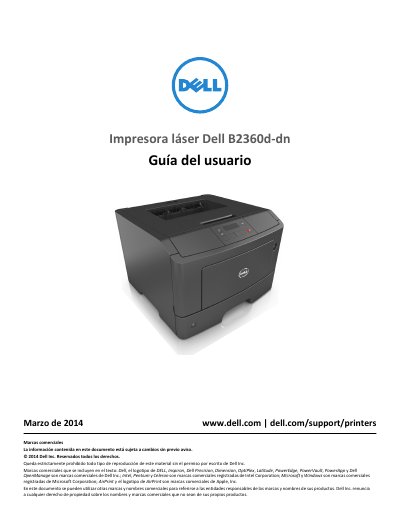

Dell B2360d-dn Laser Printer User's Guide - cover page
Brand
DELL
Category
Printer
Document type
User Manual
Language
Spanish
Pages
155
File format
PDF
File size
4.9 MB
Published
25 November, 2023
Updated
25 November, 2023
MD5 checksum
72B46ED8D94E409B8FA0541E4BDA54F2

About this manual

This Spanish-language user guide covers the Dell B2360d-dn laser printer. It includes safety information and guidance on finding printer information, selecting a location, and completing the printer setup.

The guide also covers control panel use, optional hardware installation, cable connections, network setup, paper loading, printing, printer menus, maintenance, administration, clearing jams, and troubleshooting. This manual is written in Spanish.

What's inside

  • Información de seguridad
  • Información acerca de la impresora
  • Carga de papel y material especial
  • Imprimiendo
  • Descripción de los menús de la impresora
  • Mantenimiento de la impresora
  • Administración de la impresora
  • Eliminación de atascos
  • Solución de problemas

Specifications

Printing technologyLaser

Frequently asked questions

Does this printer use a laser?

Yes. The document states that the product uses a laser.

What should I do before moving the printer?

Turn off the printer and unplug the power cable before continuing. The guide also says to disconnect all cables and remove any optional tray.

Where can I find the user's guide and quick reference guide?

They are available on the Software and Documentation CD.

What should I do before cleaning the exterior of the printer?

Disconnect the power cable from the electrical outlet before cleaning the exterior.

Download PDF (4.9 MB)

More DELL Manuals


View all DELL manuals →