
Latitude 12 7000 Series 2-in-1 Quick Start Guide
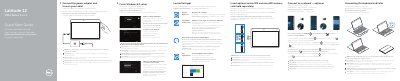
This quick start guide covers initial setup of the Dell Latitude 12 7275 2-in-1, including powering on the tablet, completing Windows 8.1 setup, and connecting the keyboard and Folio.
It also lists device features, Dell software and support resources, network connection steps, and regulatory information.
| Computer model | Latitude 12 7275 |
|---|---|
| Regulatory model | T02H |
| Regulatory type | T02H001 |
| Micro-SIM reader | LTE/HSPA+ models only |
Align the tablet-docking pins with the keyboard-docking pins; the keyboard backlight turns on for 2 seconds when they are aligned correctly.
Yes, insert the optional micro-SIM and microSD memory card, making sure the card is correctly aligned and inserted all the way.
Open the charms sidebar, tap Settings, tap the Wireless icon, select your network, and tap Connect.