
Dell Latitude 15 5000 Series E5570 Laptop Quick Start Guide
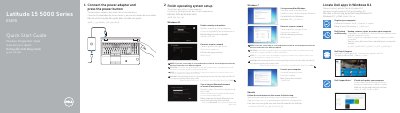
This guide helps you power on and set up your Dell Latitude 15 5000 Series E5570 laptop. It covers connecting the power adapter, configuring Windows 8.1 or Ubuntu, registering your device, and connecting to a network. The guide also includes a list of ports and features such as USB 3.0, HDMI, Thunderbolt 3, and optional components like fingerprint readers and smart card readers.
The guide is multilingual, supporting English, Indonesian, Spanish, Vietnamese, and Arabic, and includes instructions for both Windows 8.1 and Ubuntu operating systems. It also provides safety and regulatory information, including compliance model P48F001.
| Computer model | Latitude 15-E5570 |
|---|---|
| Regulatory model | P48F |
| Regulatory type | P48F001 |
Enter the password for the wireless network access when prompted.
Connect the power adapter and press the power button.
Enter the password for the wireless network access when prompted.
Follow the instructions on the screen to finish setup.