
The Dell Chromebook 11 3180 Quick Start Guide provides instructions on how to set up and use the device.
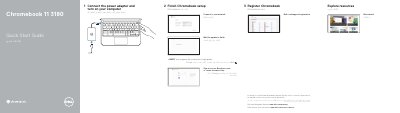
This guide covers initial setup for the Dell Chromebook 11 3180: connect the power adapter, turn on the computer, finish Chromebook setup, connect to a network, wait for updates to finish, and sign in to or create a Google account.
It also identifies the computer's features, provides registration, help, community, business and education, product support, and contact links, and lists regulatory model P26T, regulatory type P26T002, and computer model Chromebook 11 3180.
| Regulatory model | P26T |
|---|---|
| Regulatory type | P26T002 |
| Computer model | Chromebook 11 3180 |
Register it at Dell.com/support/registration.
Visit Dell.com/support and Dell.com/support/manuals.
Use Dell.com/contactdell.