
The Dell Latitude 15 3000 Series Notebook Quick Start Guide.
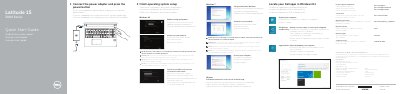
This quick start guide covers the Dell Latitude 15 3000 Series notebook, including model Latitude 15-3560. It provides initial setup steps such as connecting the power adapter, finishing operating system setup, enabling security and updates, and connecting to a network.
The guide also describes signing in to a Microsoft account or creating a local account, locating Dell apps in Windows 8.1, and accessing product support and manuals at dell.com/support. A features diagram identifies ports, buttons, and indicators on the computer.
| Regulatory model | P50F |
|---|---|
| Input voltage | 100 V AC–240 V AC |
| Max input current | 1.7 A |
| Output current | 3.42 A / 4.62 A |
| Output voltage | 19.5 V DC |
Connect the power adapter and press the power button.
Enter the password for the wireless network access when prompted.
The Owner’s Manual is available at dell.com/support/manuals.