
OptiPlex 7040 Small Form Factor Quick Start Guide
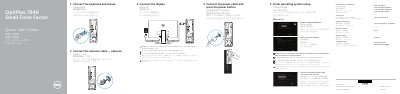
The Dell OptiPlex 7040 Small Form Factor Quick Start Guide provides essential instructions for the installation and initial setup of the computer. It guides users through connecting peripherals, configuring the operating system, and establishing network connectivity.
The document includes a detailed map of the system's features, identifying various ports and connectors such as USB 3.0, DisplayPort, and HDMI, as well as guidance on using Dell support applications for backup and system updates.
| Regulatory model | D11S |
|---|---|
| Regulatory type | D11S001 |
If the computer is ordered with a discrete graphics card, the display should be connected directly to that card.
A manual installation of the system drivers is required for this upgrade.