
The Latitude 3380 Quick Start Guide explains how to connect the power adapter, finish operating system setup, and locate Dell apps.
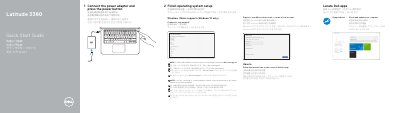
The Dell Latitude 3380 Quick Start Guide provides essential steps to get the laptop running, including connecting the power adapter and completing the operating system setup for Windows 10 or Ubuntu.
It also includes a detailed map of the device's physical features, identifying ports such as USB 3.0, HDMI, and the network port, as well as system indicators and input devices.
| Regulatory Model | P80G |
|---|---|
| Rated Voltage | 100 - 240 V (AC) |
| Rated Frequency | 50 - 60 Hz |
| Rated Input Current | 1.6 A / 1.7 A |
The setup supports Windows 10 only.
SIM card installation instructions are located in the Owner's Manual at Dell.com/support.