
The Dell DSS 1510 Getting Started With Your System guide introduces the features and specifications of the system. The system features a 550W power supply, a 3V CR2032 lithium coin cell battery, and a maximum operating temperature of 35°C.
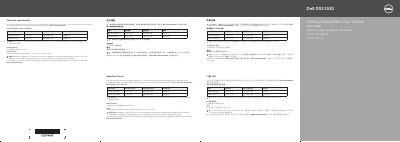
This document provides instructions for connecting peripherals, powering on the system, and safety precautions. It includes technical specifications for power and operating conditions. For full details, refer to the Owner's Manual at Dell.com/dssmanuals.
The guide covers connecting keyboard, mouse, monitor, and power cables, installing the system in a rack, and important safety and licensing information.
| Power Rating (Platinum) | 550 W |
|---|---|
| System Battery | 3 V CR2032 lithium coin cell |
| Maximum Ambient Temperature | 35°C |
Use Extended Power Performance (EPP) compliant power supplies, indicated by the EPP label.
See the Owner's Manual at Dell.com/dssmanuals for a complete and current listing.
Yes, ensure the operating system is installed before installing hardware or software not purchased with the system.