
The Dell Precision Mobile Workstation 5000 Series Quick Start Guide provides information on how to set up and use the Dell Precision Mobile Workstation 5000 Series laptop.
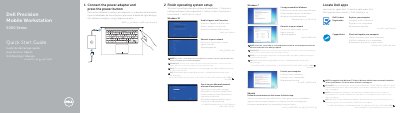
The Dell Precision 5510 5000 Series quick start guide gives initial setup steps for the mobile workstation. It covers connecting the power adapter and pressing the power button, finishing operating system setup, setting a password for Windows, connecting to a network, protecting the computer, locating Dell apps, registering the computer, and using SupportAssist.
The guide also lists the computer's features, including the power button, Kensington-security slot, battery-status button and lights, USB 3.0 connectors with PowerShare, memory-card reader, touchpad, headset connector, Thunderbolt 3 connector, HDMI connector, power connector, camera-status light, camera, speakers, microphones, power-status light, and service-tag label. It provides Dell support and regulatory links and identifies the regulatory model as P56F, regulatory type as P56F001, and computer model as Dell Precision 5510.
| Computer model | Dell Precision 5510 |
|---|---|
| Regulatory model | P56F |
| Regulatory type | P56F001 |
| USB | USB 3.0 connector with PowerShare |
| Thunderbolt | Thunderbolt 3 connector |
| Memory card reader | Memory-card reader |
| Security slot | Kensington-security slot |
| Battery status | Battery-status button and battery-status lights |
Connect the power adapter and press the power button.
Enter the password for the wireless network access when prompted.
Visit dell.com/support for the latest drivers.
The guide lists the computer model as Dell Precision 5510.