
The Dell™ Studio XPS™ 9100 Service Manual provides information on how to remove and replace the backlight module.
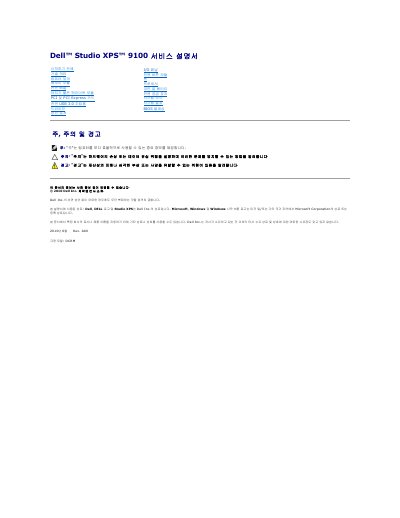
The Dell Studio XPS 9100 Service Manual is a Korean-language service guide for the Studio XPS 9100 computer. It describes procedures for removing and installing components, including the computer cover, memory modules, front bezel, backlit module with cover, PCI and PCI Express cards, drives, processor, power supply, and system board.
The document includes before-you-begin instructions, safety guidelines, recommended tools, and notes on system setup and BIOS flashing. It warns that only certified service technicians should repair the computer and that damage from service work not approved by Dell is not covered by warranty. This manual is written in Korean.
The manual directs readers to the installation guide at support.dell.com/manuals.
It is on the label below the FlexBay panel; note it for identifying the computer when using the Dell support website or contacting technical support.