
The Chromebook 11 3189 Quick Start Guide provides information on how to use the Chromebook 11 3189.
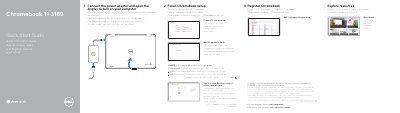
This multilingual Quick Start Guide helps users register the Dell Chromebook 11 3189 and review the Dell Limited Hardware Warranty. It covers getting started, connecting the power adapter, opening the display, waiting for updates, connecting to a network, and signing in to a Google account.
The document lists 16 device features, including the webcam, microphone, volume control button, power button, USB 3.0 ports, HDMI port, microSD card reader, power connector port, Dell Activity Light, and service tag label.
| Computer model | Chromebook 11 3189 |
|---|---|
| USB ports | USB 3.0 |
| Video port | HDMI |
| Card reader | microSD |
| Power port | Power connector |
| Audio jack | Universal audio |
| Activity light | Dell Activity Light |
| Service tag label | Service tag label |
Connect the power adapter and open the display.
The computer will restart.
It is listed as feature 16 on the device.
Use the Connect to your network step during setup.