
The guide describes how to set up the keyboard and mouse, finish Windows setup, enable security and updates, sign in to your Microsoft account or create a local account, connect to your network, and explore resources.
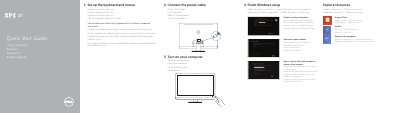
This quick start guide provides setup steps for the Dell XPS 2720 computer, including finishing Windows setup, enabling security and updates, signing in, connecting to a network, and registering the computer. It is presented in multiple languages, including English, Danish, Finnish, Norwegian, and Swedish.
The guide also lists the computer's features and ports, such as microphones, camera, optical drive, USB 3.0 ports, HDMI ports, and a wireless keyboard/mouse receiver. It provides Dell support, manual, contact, and regulatory compliance links, plus the regulatory model W06C.
| Regulatory model | W06C |
|---|---|
| USB 3.0 ports | 4 |
| USB 3.0 ports | 2 |
Dell lists product support at dell.com/support and manuals at dell.com/support/manuals.
The regulatory model is W06C.
Dell can be contacted through dell.com/contactdell.