
Dell Laptop Quick Start Guide.
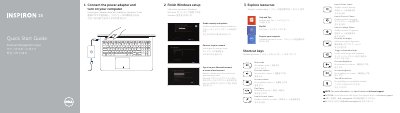
This quick start guide covers setup for the Dell Inspiron 7537. It shows how to connect the power adapter and turn on the computer, finish Windows setup, connect to a network, sign in with a Microsoft account or create a local account, and use the Help and Tips resources.
The guide also lists keyboard shortcuts and numbered laptop features, including the camera, digital-array microphones, power button, security-cable slot, power-adapter port, USB 3.0 ports, status lights, touchpad, backlit keyboard, media-card reader, headset port, HDMI port, network port, and labels. It provides Dell support, contact, regulatory, and model references.
| USB 3.0 ports | 2 |
|---|---|
| Digital-array microphones | 2 |
Connect the power adapter and turn on the computer.
It toggles the keyboard backlight.
The guide points to Specifications at dell.com/support.