
Inspiron 15-5559 Laptop Quick Start Guide
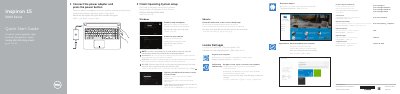
This quick start guide for the Dell Inspiron 15-5559 laptop shows how to connect the power adapter, press the power button, and finish operating system setup. It also lists Dell apps and support resources such as SupportAssist, registration, backup and recovery, and help and support.
The guide includes a labeled features diagram of the laptop's ports, controls, and components, plus a list of shortcut keys for audio, volume, playback, display, brightness, wireless, sleep, and other functions.
Follow the instructions on the screen to finish setup.
Enter the password for the wireless network access when prompted.
See Specifications at Dell.com/support.