
This is a quick start guide for Dell computers. It introduces the usage and precautions of the computer.
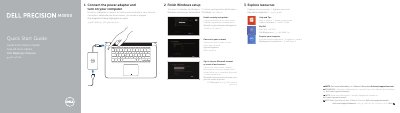
This is the multilingual quick start guide shipped with the Dell Precision M3800 computer. It walks through the first steps: exploring resources, connecting the power adapter and turning the computer on, registering the computer, and finishing Windows setup, including enabling security and updates, signing in with a Microsoft account or a local account, and connecting to a network.
The second page contains a numbered feature tour of the computer, listing 17 items such as the microphones, ambient-light sensor, camera and camera-status light, memory card reader, USB 3.0 and USB 2.0 connectors with PowerShare, Noble security slot, touchpad, power button, power connector, HDMI and mini DisplayPort connectors, audio connector, and battery-status button and lights. It also gives Dell support, contact and regulatory-compliance web addresses, the regulatory model (P31F) and a NOM notice with power adapter ratings.
| Computer model | Dell Precision M3800 |
|---|---|
| Regulatory model and type | P31F (P31F001) |
| Input voltage | 100 VAC–240 VAC |
| Input current (maximum) | 2.30 A / 2.50 A |
| Input frequency | 50 Hz–60 Hz |
| Output current | 6.67 A |
| Output voltage | 19.5 VDC |
Dell refers you to the Owner's Manual at dell.com/support/manuals.
Connect the power adapter and turn on your computer.
At dell.com/support and dell.com/support/manuals.
Dell lists the contact page dell.com/contactdell. Regulatory and safety information is at dell.com/regulatory_compliance.