
Dell Inspiron 17-5759 Laptop Quick Start Guide
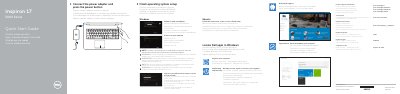
The Dell Inspiron 17-5759 Quick Start Guide provides initial setup instructions for the laptop, including connecting the power adapter, completing operating system setup, and locating Dell applications in Windows.
The guide also illustrates the laptop's features such as ports, camera, microphone, and battery, and lists shortcut keys for audio, display, brightness, and wireless controls.
| Product series | Inspiron 17 5000 Series |
|---|
Connect the power adapter and press the power button.
Connect the power adapter and press the power button.
Enter the password for the wireless network access when prompted.
The computer has 2 USB 2.0 ports.