
Dell Inspiron 15-3558 Laptop Quick Start Guide
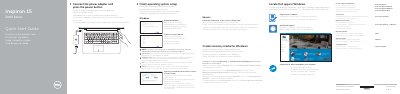
This quick start guide helps set up the Dell Inspiron 15-3558 laptop. It covers connecting the power adapter, finishing operating system setup, and registering the computer.
It also identifies laptop features and shortcut keys, and points to Dell support for specifications and recovery media instructions.
| USB 3.0 port | 1 |
|---|---|
| USB 2.0 ports | 2 |
| HDMI port | 1 |
| Media-card reader | Included |
| Optical drive | Included |
| Headset port | Included |
Connect the power adapter and press the power button.
Follow the instructions on the screen to finish setup.
In Windows search, type Recovery, click Create a recovery media, and follow the instructions on the screen.
See Specifications at Dell.com/support.