
The Latitude 13 Quick Start Guide provides instructions on how to connect the power adapter, finish Windows 10 setup, enable support and protection, and connect to a network.
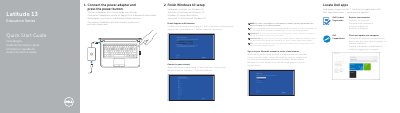
This Dell Latitude 13 (Latitude-3350) quick start guide covers initial setup: connect the power adapter, complete Windows 10 setup, enable support and protection, connect to a network, sign in, locate Dell apps, register the computer, and run Dell SupportAssist. It also identifies the computer's external features and ports.
The guide lists product support and manual resources, regulatory and safety information, and the regulatory and computer model numbers. It is printed in multiple languages and dated 2015-08.
| Computer model | Latitude-3350 |
|---|---|
| Regulatory model | P47G |
| Regulatory type | P47G002 |
The computer model is Latitude-3350.
The regulatory model is P47G.
The regulatory type is P47G002.
Dell lists product support and manuals at Dell.com/support and Dell.com/support/manuals.