
Dell Latitude 5289 2-in-1 Quick Start Guide

The Dell Latitude 5289 2-in-1 Quick Start Guide
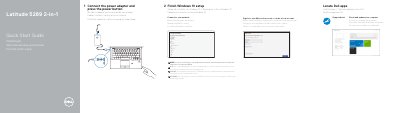

Dell Latitude 5289 2-in-1 Quick Start Guide - cover page
Brand
DELL
Category
Laptops
Document type
Quick Start Guide
Language
English
Pages
2
File format
PDF
File size
214 KB
Published
25 November, 2023
Updated
25 November, 2023
MD5 checksum
BA6AEEE255CCC693243AF5828015BABB

About this manual

The Dell Latitude 5289 2-in-1 Quick Start Guide provides essential instructions for setting up the device, including Windows 10 configuration, network connection, and account sign-in.

It also includes a detailed map of the hardware features, identifying ports, cameras, and sensors available on the computer.

What's inside

  • Features

Frequently asked questions

How do I start the computer?

Connect the power adapter and press the power button.

What should I do when connecting to a secured wireless network?

Enter the password for the wireless network access when prompted.

Which USB port on the computer supports PowerShare?

The USB 3.0 port with PowerShare.

What type of security lock slot does the computer have?

It has a Noble Wedge lock slot.

Download PDF (214 KB)

More DELL Manuals


View all DELL manuals →