
This document describes how to connect the keyboard, mouse, display, and power cord.
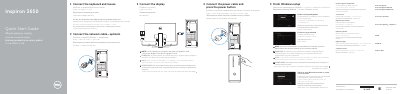
This quick start guide helps set up the Dell Inspiron 3650 computer. It covers connecting the keyboard and mouse, power cable, display, and optional network cable, then completing Windows setup and signing in to a Microsoft account.
The guide lists features such as USB 3.0 and USB 2.0 ports, audio ports, VGA and HDMI ports, and the network port. It also points to Dell support tools including SupportAssist, Dell Backup and Recovery, and Dell Help & Support.
| Computer model | Inspiron 3650 |
|---|---|
| USB 3.0 ports | 2 |
| USB 2.0 ports | 4 |
| Audio ports | 3 |
| Optical drive | optional |
Connect the keyboard and mouse.
Yes, the optical drive is optional.
The computer model is Inspiron 3650.
The computer has two USB 3.0 ports.