
Dell Inspiron 660s Computer Quick Start Guide

This document describes the features and characteristics of the Dell Inspiron 660s computer.
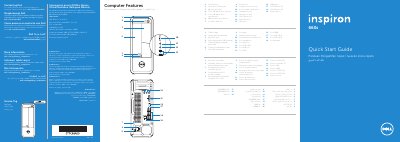

Dell Inspiron 660s Computer Quick Start Guide - cover page
Brand
DELL
Category
Desktops
Document type
Quick Start Guide
Language
English
Pages
2
File format
PDF
File size
1004 KB
Published
25 November, 2023
Updated
25 November, 2023
MD5 checksum
BD874A1E2BF521009CF972114383A51B

About this manual

The Dell Inspiron 660s is a desktop computer featuring a variety of I/O ports, including USB 3.0, HDMI, and VGA. This guide provides a visual map of the computer's external features and ports.

It outlines the basic setup process, including connecting peripherals, networking, and power, as well as initial Windows setup and navigation basics.

What's inside

  • Computer Features
  • Connect the keyboard and mouse
  • Connect the network cable
  • Connect the power cable
  • Connect the display
  • Complete Windows setup

Specifications

Input Voltage100–127 V AC / 200–240 V AC
Input Frequency50 Hz / 60 Hz
Input Current6 A / 3 A
Regulatory ModelD06S

Frequently asked questions

Where should I connect the display if I have a discrete graphics card?

Connect the display to the connector on the discrete graphics card.

What are the input voltage and frequency requirements for the computer?

The input voltage is 100–127 V CA/200–240 V CA and the input frequency is 50 Hz/60 Hz.

Where should the display be connected if the computer has an optional discrete graphics card?

The display should be connected to the connector located on the discrete graphics card.

Download PDF (1004 KB)

More DELL Manuals


View all DELL manuals →