
Dell Vostro 23-3340 Quick Start Guide

The Dell Vostro 23 Quick Start Guide provides information on how to use the Dell Vostro 23 computer.
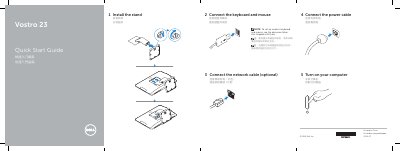

Dell Vostro 23-3340 Quick Start Guide - cover page
Brand
DELL
Category
Desktops
Document type
Quick Start Guide
Language
Chinese
Pages
2
File format
PDF
File size
215 KB
Published
25 November, 2023
Updated
25 November, 2023
MD5 checksum
8218E76D3333DCC42882842D0A0F18C6

About this manual

This guide helps you connect peripherals and power your Dell Vostro 23-3340. It lists ports and features like HDMI, USB, camera, and audio. For wireless devices, refer to their own documentation. This manual is written in Chinese.

What's inside

  • Connect keyboard and mouse
  • Connect network cable
  • Connect power cable
  • Turn on computer
  • Install stand
  • Features overview

Frequently asked questions

What is the first step to set up the computer?

Install the stand.

Is connecting the network cable required?

No, connecting the network cable is optional.

What should you do to set up a wireless keyboard and mouse?

See the documentation that shipped with them.

Download PDF (215 KB)

More DELL Manuals


View all DELL manuals →