
Inspiron 15 7000 Series Quick Start Guide.
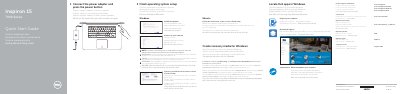
This Dell Quick Start Guide for the Inspiron 15 7000 Series (computer model Inspiron 7548) explains how to begin using the laptop, including connecting the power adapter, pressing the power button, and completing operating system setup.
It also covers enabling Dell updates, connecting to a network, signing in to a Microsoft or local account, locating Dell apps, creating Windows recovery media, and lists the computer's features, ports, and shortcut keys.
| Port | USB 3.0 port with PowerShare |
|---|
Connect the power adapter and press the power button.
In Windows search, type Recovery, click Create a recovery media, and follow the instructions on the screen.