
Dell Inspiron 660s Desktop Quick Start Guide.
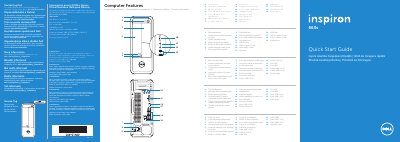
This Quick Start Guide covers the Dell Inspiron 660s desktop computer. It identifies front-panel features such as the power button, drive bays, media-card reader, audio and USB ports, and video and network connectors.
Setup instructions explain how to connect the keyboard and mouse, optional network cable, power cable, and display. The guide also covers completing Windows 8 setup and enabling security features.
| Regulatory model | D06S |
|---|---|
| Type | D06S001 |
| Computer model | Inspiron 660s |
| Input voltage | 100–127 V CA/200–240 V CA |
| Input frequency | 50 Hz/60 Hz |
| Current | 6 A/3 A |
| Media-card reader | 8-in-1 |
The regulatory model is D06S.
Connect the power cable and press the power button.
Connect the display to the connector on the discrete graphics card.
See dell.com/regulatory_compliance for regulatory and safety best practices.