
Dell Vostro 15 7580 Laptop Quick Start Guide.
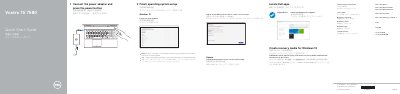
The Dell Vostro 15 7580 Quick Start Guide provides essential instructions for setting up the laptop, including power connection and operating system configuration for Windows 10 and Ubuntu.
It details the hardware features of the device, such as available ports and integrated components, and lists the keyboard shortcut keys for audio, display, and wireless control.
| Regulatory model | P71F |
|---|---|
| Regulatory type | P71F002 |
In Windows search, type Recovery, click Create a recovery media, and follow the on-screen instructions.
You must download the Dell Power Manager (DPM 3.0) from Dell.com/support.