
The Dell™ Laser Multi-Function Printer 1125 User's Guide provides information on your multi-function printer, including faxing, setting up your printer, understanding the software, paper handling, maintenance, printing, troubleshooting, copying, specifications, and scanning.
This user's guide covers the Dell Laser Multi-Function Printer 1125, including printer setup, software setup, paper handling, printing, copying, scanning, faxing, maintenance, and troubleshooting. It also lists specifications and toner cartridge ordering information.
The troubleshooting section explains how to clear jams in the Automatic Document Feeder (ADF) and in the paper paths, including the feed, fuser, and drum areas, and lists LCD error messages with likely causes and suggested solutions.
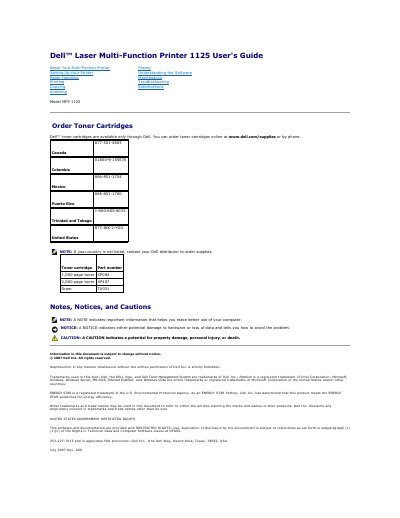
| Toner cartridge part number (1,000 page toner) | XP092 |
|---|---|
| Toner cartridge part number (2,000 page toner) | XP407 |
| Drum part number | TU031 |
| Document revision | Rev. A00 |
Remove the remaining documents from the ADF, open the ADF cover and remove the roller, gently pull out the jammed document, then replace the roller, close the cover, and reload the document.
Use the location-specific message on the LCD to identify the jam area, then follow the matching clearing procedure for the paper feed, fuser, or drum area.
Load the correct paper types, position the adjustable guides correctly, do not overload the tray, and avoid creased, damp, or curled paper.
Dell toner cartridges are available only through Dell, online at www.dell.com/supplies or by phone.