
Dell Display Manager is a Windows application used to manage a monitor or a group of monitors. It allows manual adjustment of the displayed image, assignment of automatic settings, energy management, window organization, image rotation and other features.
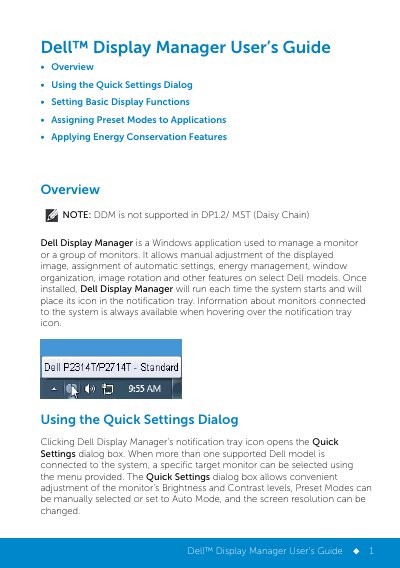
Dell Display Manager is a Windows application used to manage a monitor or a group of monitors. Once installed, it runs each time the system starts and places its icon in the notification tray, where information about connected monitors is always available.
The guide covers the Quick Settings dialog for adjusting brightness, contrast, preset modes, and screen resolution; setting basic display functions and Auto Mode; assigning preset modes to applications; and applying PowerNap energy conservation options on supported Dell models.
It is a Windows application used to manage a monitor or a group of monitors.
It allows adjustment of the monitor’s Brightness and Contrast levels, manual selection of Preset Modes or Auto Mode, and changes to the screen resolution.
No, DDM is not supported in DP1.2/MST (Daisy Chain).