
Dell Latitude 5175/5179 Notebook Quick Start Guide
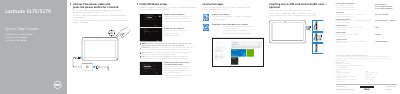
This Dell quick start guide explains how to begin using the Latitude 5175/5179 notebook, including connecting the power cable, pressing the power button, and inserting optional micro-SIM and microSD cards.
It also covers finishing Windows setup, enabling security and updates, connecting to a network, signing in to a Microsoft account, locating Dell apps, registering the computer, and identifying the notebook's ports, buttons, and features.
| Regulatory model | T04E |
|---|---|
| Computer model | Latitude 5175/5179 |
| Battery model | F17M7 / 0RVR9 / 8XKW5 |
| Battery capacity | 30Wh |
| Input voltage | 100 V CA–240 V CA |
Connect the power cable and press the power button for 1 second.
The NFC sensor area is available on the Latitude 5175 only.
The fingerprint reader is available on the Latitude 5179 only.
The regulatory model is T04E.