
Dell Latitude 5175/5179 Laptop Quick Start Guide
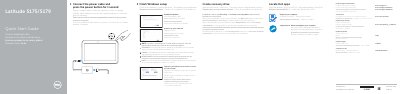
This guide helps you set up your Dell Latitude 5175/5179 laptop quickly. It covers connecting power, enabling updates, setting up Windows, connecting to Wi-Fi, and using features like fingerprint reader or NFC. Optional steps include inserting SIM or SD cards and creating a recovery drive.
In the system tray, tap the wireless icon, select your network, and tap Connect.
Connect the power cable and press the power button for 1 second.
Enter the password for the wireless network access when prompted.
In Windows search, type Recovery, click Create a recovery drive, and follow the instructions on the screen.